Zentisys
Loading experience…

Zentisys
Loading experience…
Web portals
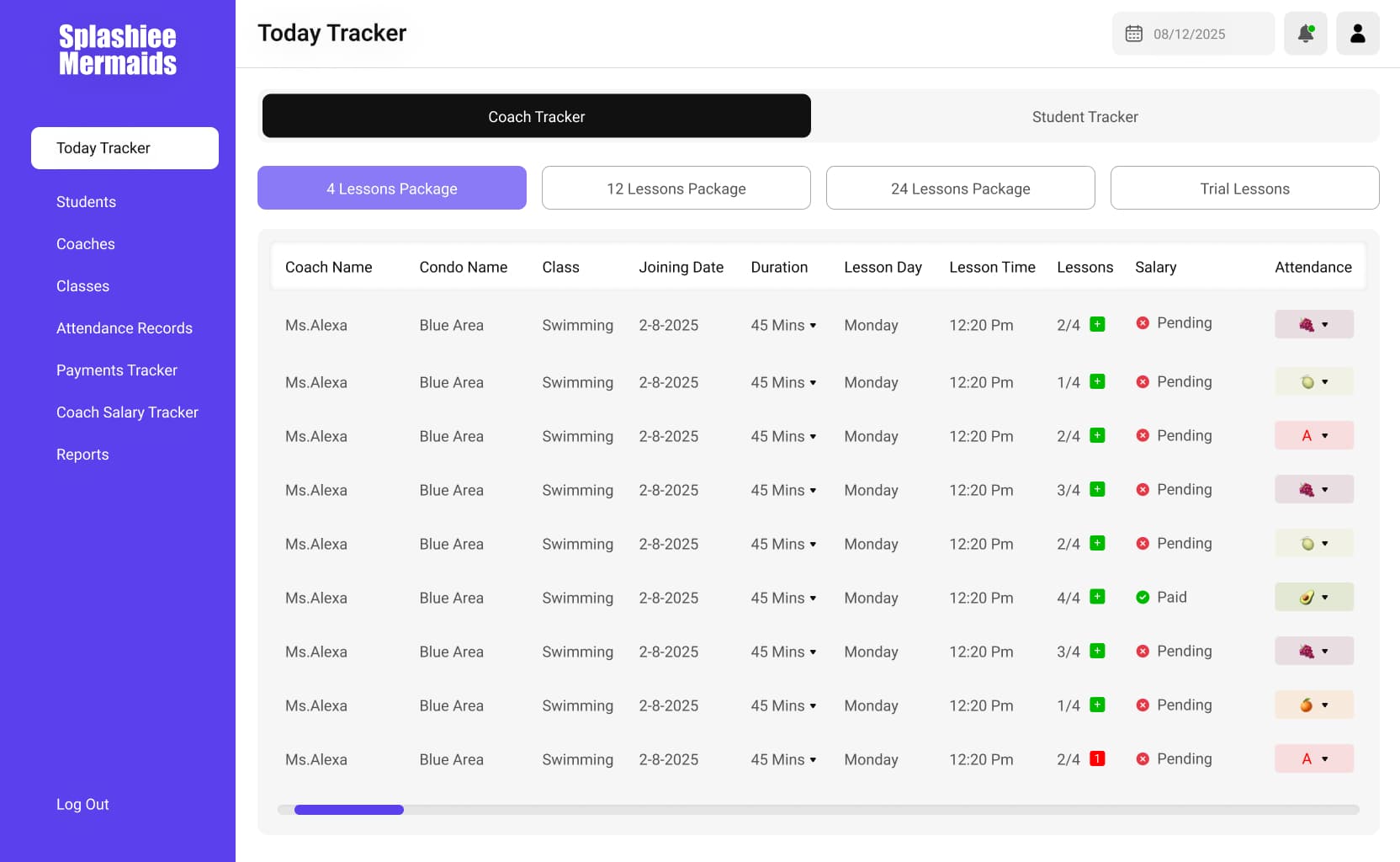
Swim school platform—lessons, coaches, and student progress in one place.
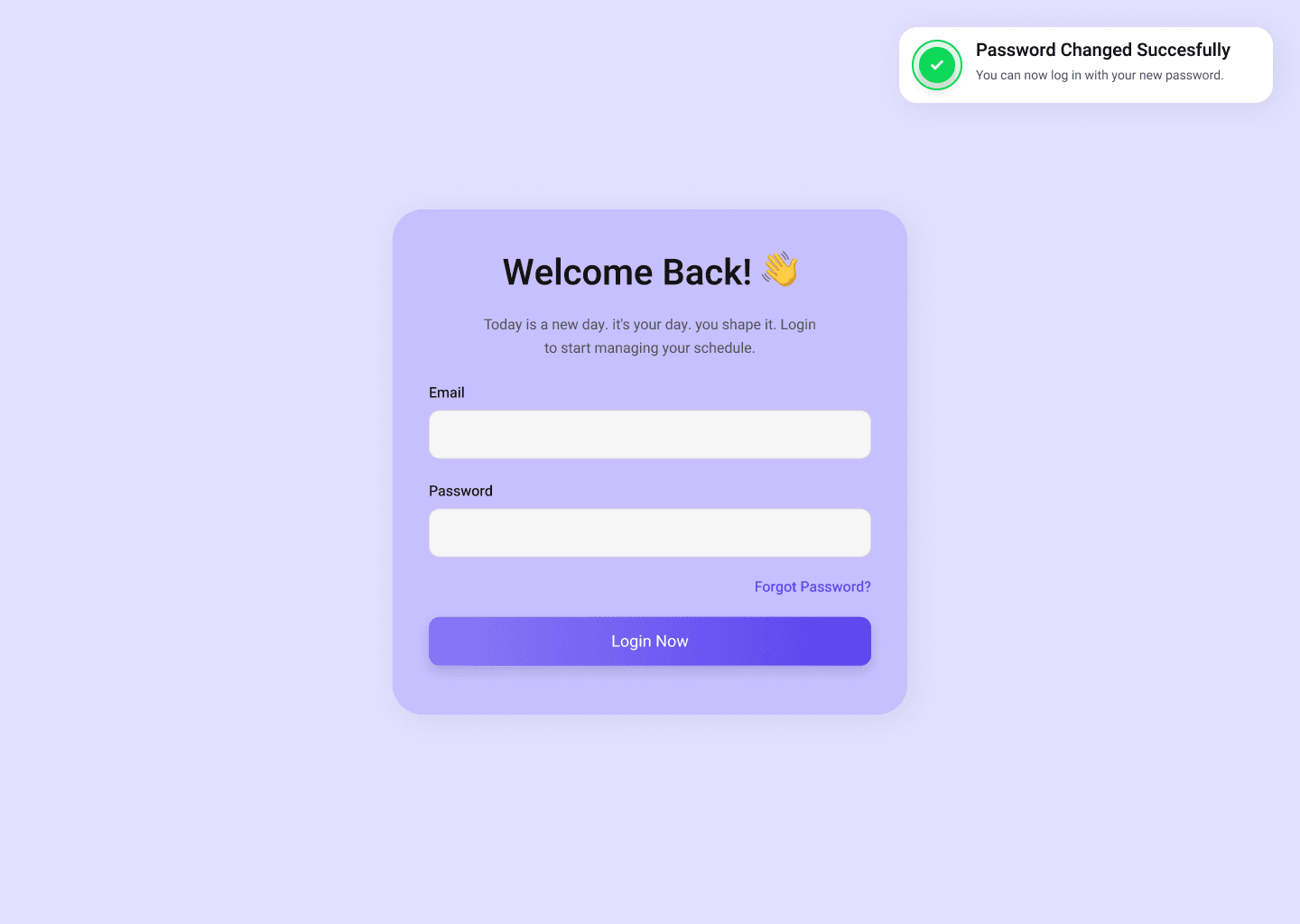
Splasheem is a dedicated operations portal for a swimming teaching school. It replaces scattered spreadsheets and chat threads with a single place where staff can run the day: who is teaching, which package a student is on, and what changed on the calendar. Families get clarity; coaches get speed. The product is structured for multi-location growth, with role-aware navigation so admins, coaches, and front-desk staff each see a relevant slice of the same underlying schedule and roster data.
Snapshot signals we optimize for on this engagement—useful for stakeholders comparing fit and scope.
Phased cadence—discovery through hardening—so expectations stay aligned with risk and learning cycles.
Discovery
Mapped real pool schedules, roles, and exception flows (makeups, subs).
Build
Iterated on roster, calendar, and package tracking with pilot staff feedback.
Hardening
Tightened permissions, empty states, and reporting for leadership review.
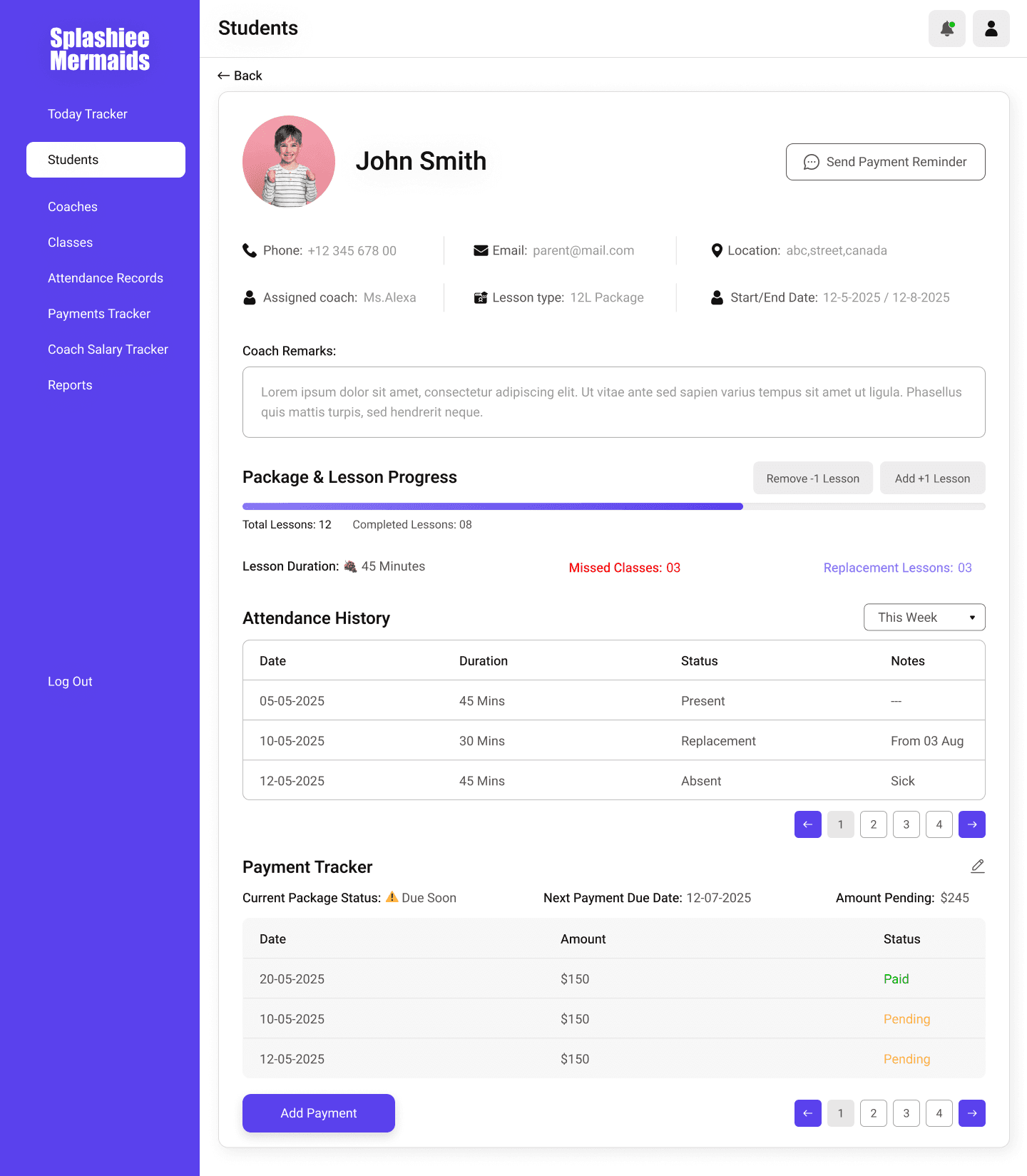
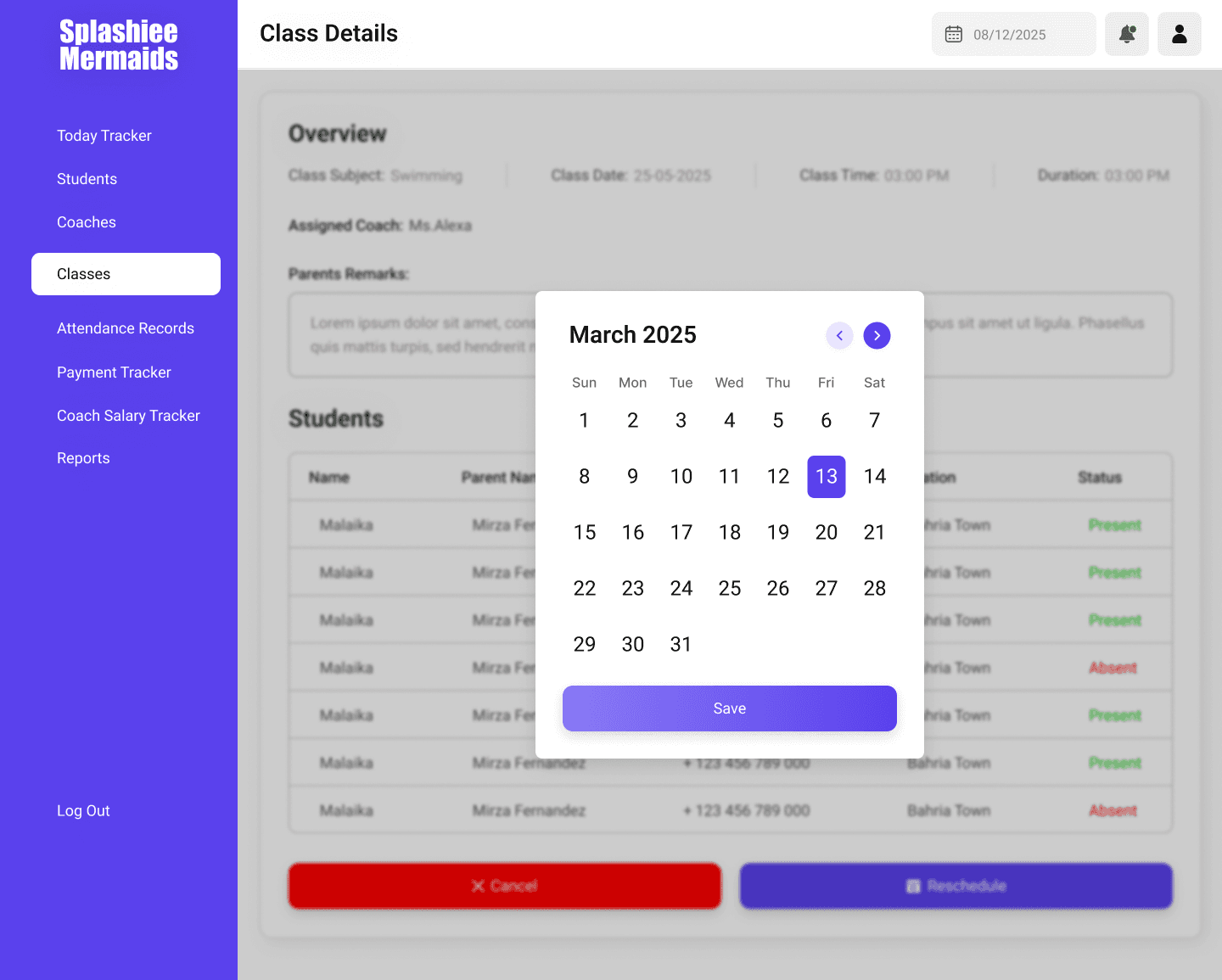
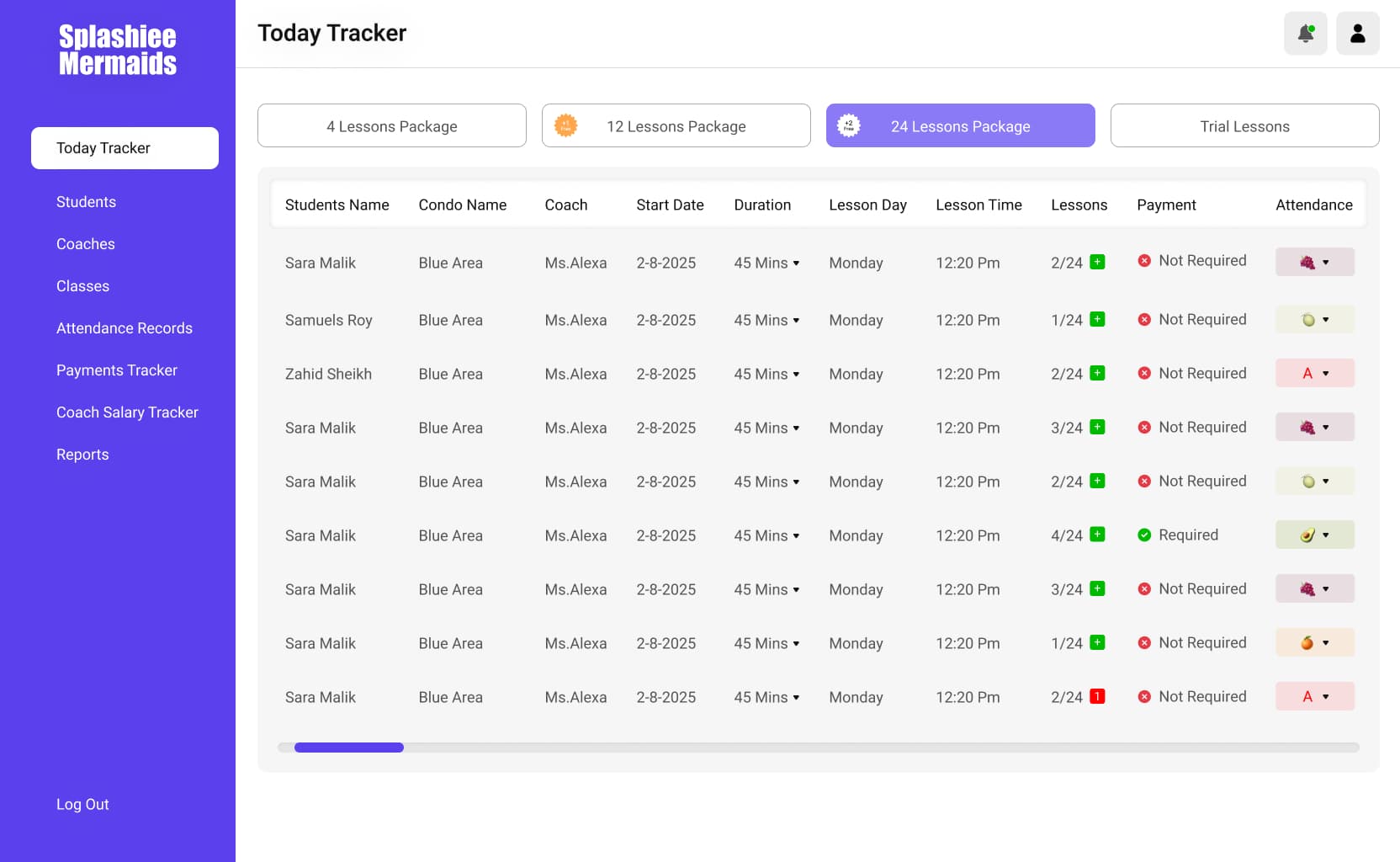
The product is built around recurring pool schedules and fixed lesson bundles. Coaches see what matters for the current session, while admins retain oversight across locations or cohorts. The UI favors large touch targets and quick scanning—appropriate for staff moving between deck, desk, and phone. Edge cases like makeup lessons and instructor swaps are modeled explicitly so the calendar stays trustworthy.
Schools using Splasheem-style workflows typically want fewer manual follow-ups, clearer accountability for coaches, and happier parents who always know when and where the next lesson lands. The portal is structured so you can extend into billing or CRM later without rewriting the core scheduling and identity model.
The interface is implemented as a modern web app with fast client transitions and optimistic updates where safe—so reschedules feel instant while server rules enforce conflicts. Audit-friendly history can be layered for compliance or disputes without cluttering day-to-day screens.
Additional UI captured in desktop framing—same product, more surface area.
.png&w=3840&q=75)
.jpg&w=3840&q=75)
Want something similar for your product? Start a conversation.